
Blog · Fri Oct 30 2026
Featured Images and SEO: A Practical Guide for Pakistani Websites
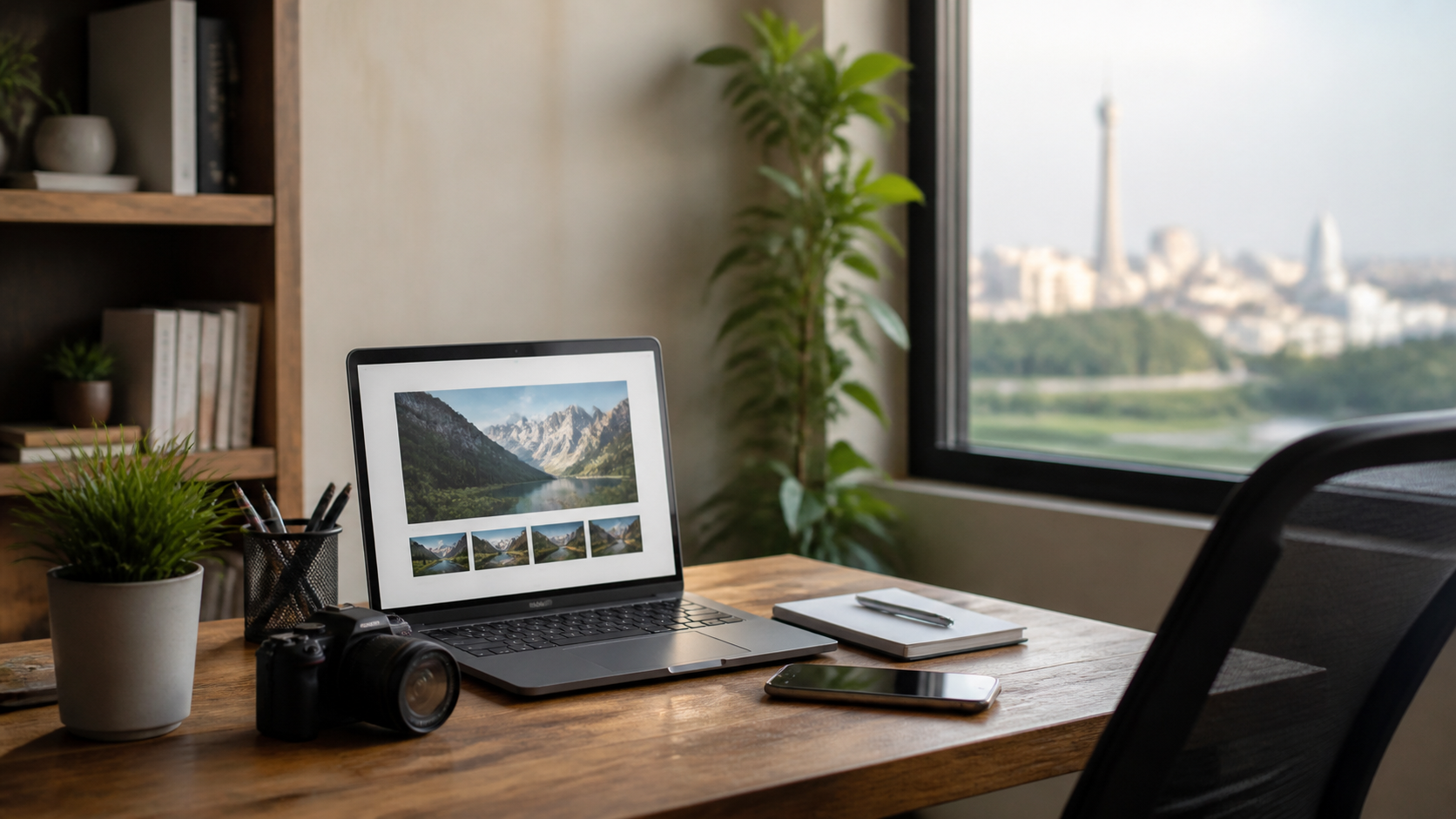
A featured image is the main visual associated with a blog post. It may appear at the top of the article, on your blog archive, in social media previews, or in search results. For website owners and SEO agencies in Pakistan, choosing and preparing this image is a small task that can make a noticeable difference to how content looks and performs.
A featured image does not automatically push a page higher in Google. But it can support the experience and visibility signals that help a well-optimized article attract attention, earn clicks, and keep readers engaged. Here is how to use featured images thoughtfully.
What does a featured image do?
The featured image gives readers a quick visual clue about an article's subject. A clear, relevant image can make a post easier to recognize when it appears in a list of articles or is shared on social platforms. It also helps create a consistent look across your website.
For example, an article about choosing a solar system might use a photo of rooftop panels, while a guide to online payments could show a relevant payment screen or device. The image should reinforce the topic rather than simply fill space.
How featured images can support SEO
They can improve the chance of a click
Search engines and social platforms sometimes display images alongside content. A useful, attractive visual can make a result or shared post more noticeable. This may encourage more people to visit, especially when the image and title clearly match what they are looking for. A strong click-through rate is not a shortcut to rankings, but earning the right visit is valuable.
They help make pages easier to understand
Relevant visuals can break up long passages and help readers grasp a subject. This matters for mobile visitors, who make up a large share of traffic in Pakistan and may be reading on smaller screens or slower connections. Images should add context, not interrupt the article or make it harder to read.
They can bring traffic through image search
Search engines can interpret image information using surrounding text, file names, and alternative text. Clear, descriptive details can help an image appear for relevant searches. Image visibility is never guaranteed, but a well-prepared image gives search engines and assistive technologies more useful context.
Best practices for SEO-friendly featured images
Choose an image that matches the article
Use a visual that accurately represents the post. Avoid misleading stock photos or decorative images that have little connection to the topic. If you create a graphic, keep its text brief and legible on a phone. A simple design with a clear focal point usually works better than a crowded collage.
Resize and compress the file
Large image files can slow down a page, particularly for visitors using mobile data. Resize images to suit your website's display dimensions and compress them before uploading. Modern formats such as WebP can reduce file size while retaining good visual quality. Preview the result on both desktop and mobile so that important details are not cropped.
Write useful alt text
Alternative text describes an image for people who use screen readers and can provide search engines with additional context. Describe what is actually shown and why it matters to the page. Do not stuff alt text with repeated keywords. If an image is purely decorative, your website setup may allow it to have empty alt text.
Use clear file names and consistent dimensions
Before uploading, replace a generic camera filename with a short description, such as solar-panel-installation.jpg. Use lowercase words separated by hyphens, and keep the name accurate. Consistent image dimensions also make article cards and archive pages look more polished. Check your content management system's recommended image size rather than guessing.
Common mistakes to avoid
Using the same generic image on every post makes articles less distinctive. Uploading an enormous file can harm load times, while an image that is too small may look blurry. Avoid placing important text near the edges, where different layouts may crop it. Also check image rights: use visuals you created, licensed, or are permitted to publish.
Do not expect a featured image alone to fix weak content or technical SEO problems. It works best alongside a helpful article, a clear page title, descriptive headings, internal links, and a fast, mobile-friendly website. Agencies managing many client blogs can make image checks part of their publishing checklist.
Make image publishing part of your workflow
A repeatable process helps prevent missed details. Before publishing, confirm that the image fits the topic, looks good on mobile, loads efficiently, has appropriate alt text, and displays correctly in previews. Then review the live page to catch cropping or layout issues.
For businesses and agencies looking to streamline production, ContentPilot writes and publishes a complete blog with a featured image for Rs 15 per blog, and new accounts get 10 free credits. That can help teams maintain a steady publishing routine while keeping the featured image included in the process.
The takeaway
Featured images are not a magic ranking factor, but they are an important part of a strong content experience. Choose relevant visuals, optimize their size, write accurate alt text, and check how they appear across devices. These practical steps can make your articles clearer, faster, and more appealing to readers—and help your SEO content look ready to be discovered.