
Blog · Wed Oct 28 2026
A Smarter Way to Manage Multiple WordPress Websites
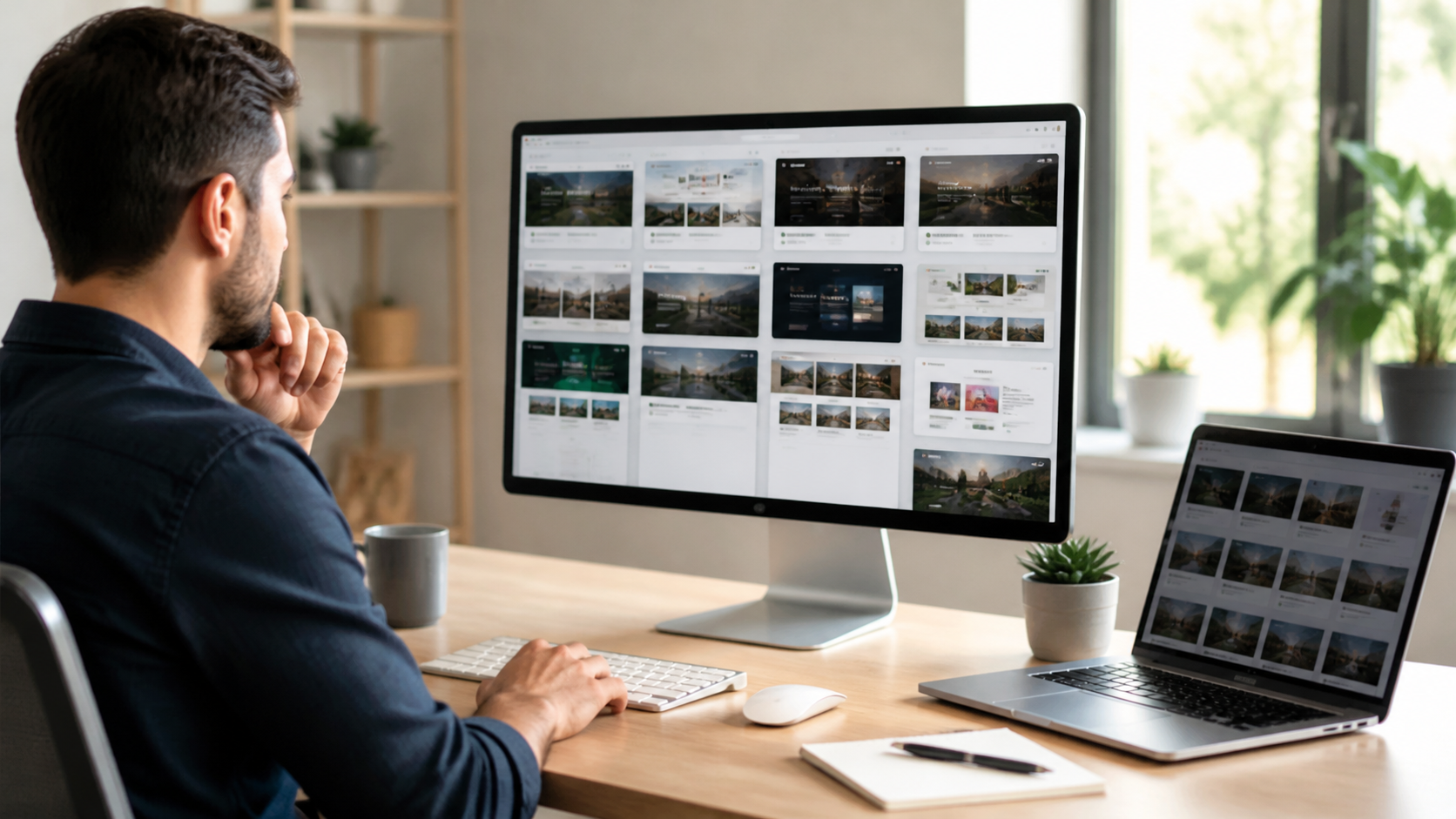
Managing one WordPress website takes regular attention. Managing several can quickly turn into a jumble of logins, updates, content calendars, and client requests. For website owners and SEO agencies in Pakistan, the best approach is to build a repeatable system: centralize routine tasks, standardize processes, and keep a clear view of each site’s priorities.
You do not need to automate everything at once. Start by organizing the work that consumes the most time, then add tools and safeguards as your portfolio grows.
Bring routine site management into one workflow
Switching between separate dashboards makes it easy to miss a plugin update or overlook a broken form. A WordPress management platform can let you monitor several sites from one place. Depending on the tool, you may be able to check site status, manage updates, create backups, and review security alerts without signing in to every dashboard individually.
Choose a platform based on your actual needs, not just the number of features it advertises. Check that it supports the hosting setups and plugins you use, offers appropriate user permissions, and makes it easy to see which sites need attention. Test it on a small group of websites before connecting your whole portfolio.
Set up a consistent maintenance routine
Updates are important, but applying them without a plan can cause avoidable problems. Keep WordPress core, themes, and plugins current, and make a fresh backup before major changes. For important sites, test updates on a staging copy first. Afterward, check key pages, forms, menus, and checkout flows rather than assuming everything still works.
Use a regular maintenance checklist that covers backups, uptime, security alerts, broken links, and site performance. Assign each task to a person and record when it was completed. A simple weekly or monthly schedule is easier to maintain than a complicated process that nobody follows.
Protect access and keep backups reliable
When several people manage multiple websites, access control matters. Give each team member an account with only the permissions needed for their role. Avoid sharing administrator credentials, enable two-factor authentication where available, and remove access promptly when a contractor or employee no longer needs it.
Backups should be stored separately from the website and kept for a period that suits the site’s importance. More importantly, test a restore. A backup that cannot be recovered is not a dependable safety net. For client sites, document who is responsible for backups and how to respond if a restoration is required.
Standardize content and SEO processes
SEO work becomes easier to coordinate when every site follows a consistent editorial process. Use a content calendar to track topics, target keywords, assigned writers, draft status, approval, and publication dates. Keep a separate view for each client or website so deadlines and priorities do not get mixed up.
Create reusable checklists for briefs, on-page optimization, internal links, image descriptions, and final quality checks. Templates speed up routine work, but they should not make every article sound identical. Review each piece for search intent, accuracy, local relevance, and a useful perspective for its intended readers.
Publishing regularly can take a significant share of an agency’s time. ContentPilot writes and publishes a complete blog with a featured image for Rs 15, and new accounts get 10 free credits. You can see the offer at Rs 15 per blog. Use a publishing service as part of a reviewed workflow, with a human checking the content for factual accuracy, brand fit, and SEO requirements.
Measure what needs attention
A central dashboard is most useful when it helps you decide what to do next. Track practical indicators such as uptime, page speed, security issues, organic traffic, and publishing progress. Look for changes over time rather than reacting to every daily fluctuation. If a site’s traffic drops, investigate the cause before making large edits.
For agencies, share concise reports with clients on a predictable schedule. Explain completed work, notable changes, and the next steps in plain language. Clear reporting helps clients understand ongoing maintenance and gives your team a record of decisions.
Choose tools that fit your team
The right setup depends on how many sites you manage, how frequently they change, and who is responsible for them. A solo site owner may need a secure password manager, reliable backups, and a maintenance checklist. An SEO agency may also benefit from centralized site management, role-based access, editorial calendars, and client reporting.
Begin with a site inventory that lists domains, hosting providers, owners, renewal dates, backups, and important tools. Then centralize the most repetitive tasks and review the process each month. With organized access, dependable maintenance, and a consistent content workflow, managing many WordPress websites becomes more predictable—and less likely to depend on last-minute fixes.